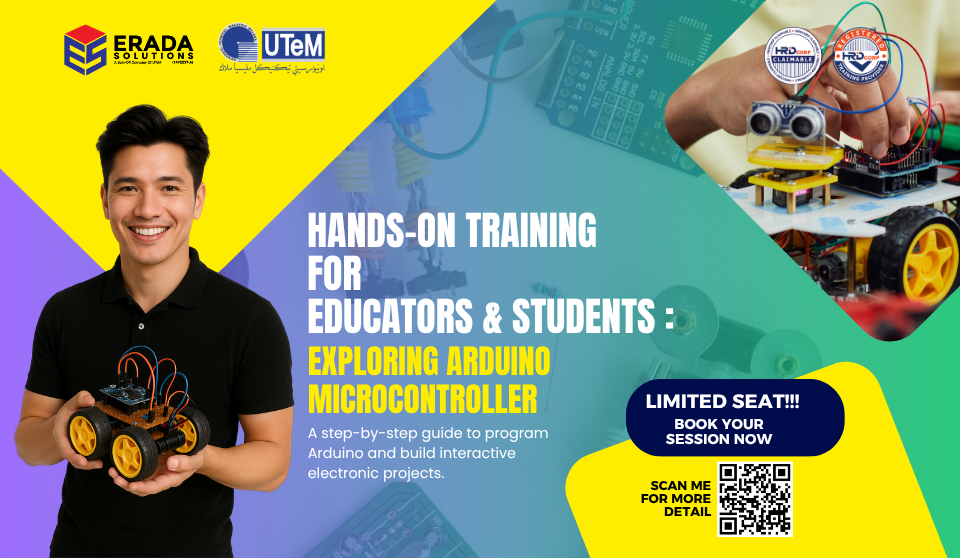
Hands-On STEM Robotic Training For Educators & Students: Exploring Arduino Microcontroller

About Course

A Step-by-step guide to program Arduino and build interactive electronic projects.

- Introduction to the Arduino Microcontroller platform

- Understanding the concept of Arduino Microcontroller:

  • Physical programming
  • Functioning and interfacing
  • Fundamentals: Analog and Digital Input/Output
- How to connect, program, and control components such as LED, Serial Communication, Analog, Digital, Keypad, and LCD Display

Course Overview

This course is designed to equip educators and students with the essential knowledge and skills to integrate hands-on robotics into their STEM teaching practice. Through practical exposure to Arduino-based systems, physical computing, and collaborative learning strategies, educators will gain confidence in guiding students through robotics projects while fostering critical thinking and problem-solving.

The program emphasizes real-world applications, curriculum alignment, and the use of robotics to enhance engagement in STEM education.

Course Objective

To equip both educators and students with practical knowledge and hands-on experience in robotics and STEM-related technologies through the use of Arduino-based systems. Participants will learn how to build, program, and troubleshoot robotic systems while fostering critical thinking, creativity, and collaboration.

This training aims to:

  • Introduce the fundamental concepts of robotics, coding, and physical computing in a simplified and engaging manner.
  • Enable participants to design and develop basic robotic projects using Arduino microcontrollers, sensors, and electronic components.
  • Encourage inquiry-based, hands-on learning that integrates science, technology, engineering, and mathematics (STEM) principles.
  • Empower educators to confidently facilitate robotics lessons and integrate them into their teaching practices.
  • Inspire students to explore STEM fields through engaging, real-world problem-solving projects.

Course Outline ( 1 Day )

Part 1: Introduction to Arduino
1.1 Introduction to Arduino

What is Arduino?
Advantages of Arduino

1.2 Introduction to the Arduino Board

Part 2: Pre-Training Setup
2.1 Installing Arduino Software
2.2 Uploading Arduino Code
2.3 Hardware Installation

Part 3: Arduino Training
3.1 Playing with LEDs (Light Emitting Diode)
3.2 Sending Data to Computer (Serial Communication)
3.3 LCD Display (Liquid Crystal Display)
3.4 Keypad
3.5 LDR Sensor (Light Detection)

Part 4: Mini Projects
4.1 Project Introduction
4.2 Playing with Lights
4.3 Measuring Light Intensity

Who Should Join?

1.  STEM/Science/Technology Teachers (Primary & Secondary)
2. TVET Instructors
3. ICT/Computer Science Teachers
4. Curriculum Coordinators
5. Robotics Club Advisors/Facilitators
6. Teacher Trainers/Professional Development Coordinators
7. Upper Primary Students (Year 5–6)
8. Secondary School Students (Form 1–5)
9. TVET/Technical School Students
10. STEM/Robotics Club Members
11. Students involved in Innovation or Coding Competitions

Reviews

There are no reviews yet.

Be the first to review “Hands-On STEM Robotic Training For Educators & Students: Exploring Arduino Microcontroller”

Your email address will not be published. Required fields are marked *

Hands-On STEM Robotic Training For Educators & Students: Exploring Arduino Microcontroller
This website uses cookies to improve your experience. By using this website you agree to our Data Protection Policy.
Read more